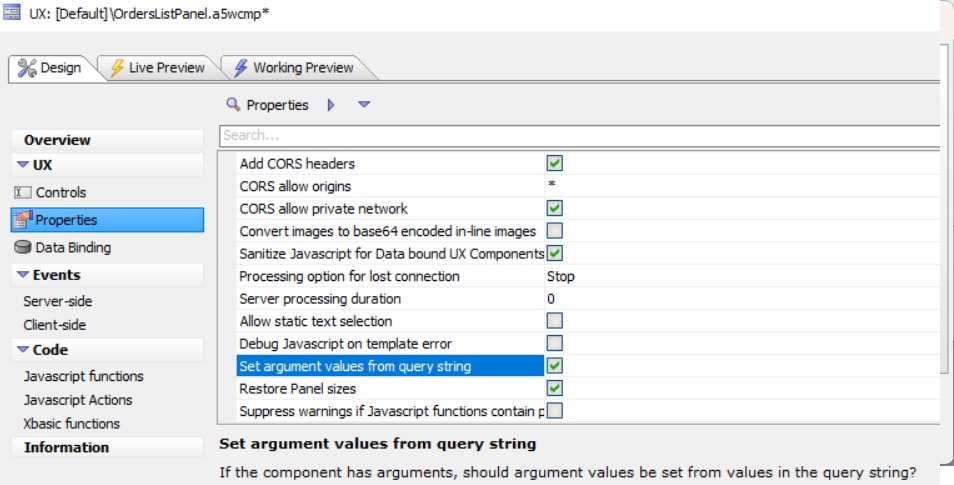
UX Advanced PropertiesSet argument values from query string
Description
Help text: If the component has arguments, should argument values be set from values in the query string?
Discussion
Populates UX arguments via a query string.
Example:
When a UX component with arguments is run from an .A5W page, you can pass initial values for its arguments in the page's query string. For instance, if your component is UX1.a5wcmp and it defines an argument named COUNTRY, and your page is MyPage.a5w, you can run:
MyPage.a5w?country=USA
This sets the COUNTRY argument to USA.
You can also set multiple argument values at once:
MyPage.a5w?country=USA&arg2=1
In the UX Builder, open Properties → Advanced and enable Set argument values from query string.
Publish or run the .A5W page with the desired name/value pairs in the query string.